Installing WordPress on Zabec.net servers is easy and usually takes only a few minutes.
The procedure is as follows:
- Log in to the control panel
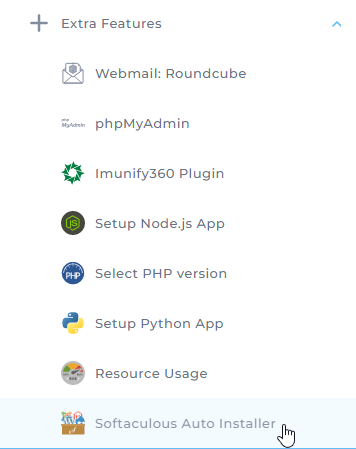
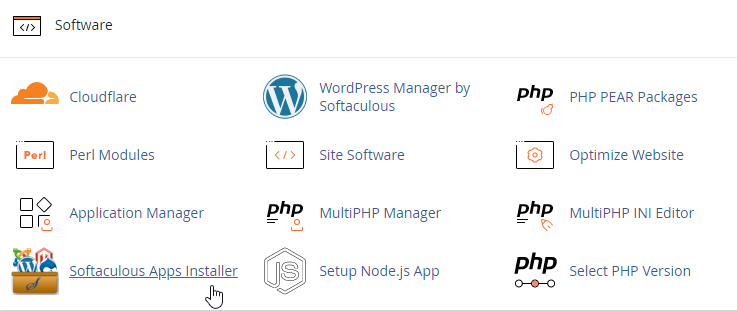
- Find Softaculous Auto Installer
DirectAdmin - Extra Features
cPanel - Software
- Within the application, find Wordpress

- Select the domain on which you want to install WordPress and, in the last field, In Directory, delete the entry "wp" - leave the field empty. In this step you also choose the e-mail address, username and password for logging in to WordPress. Select the language you want and click Install at the bottom.


- WordPress is now installed on your domain. To log in to the dashboard, go to vasadomena.si/wp-admin
Video: https://www.youtube.com/watch?v=xM44XAYj8nw
